In this guide you will learn how to send a location on WhatsApp with proper step by step easy guide. Sharing a location on WhatsApp is quick and easy. Open a chat, tap the attachment icon, choose Location, and send your current location or live location. This works on both Android and iPhone and helps you meet people, share addresses, or stay safe while traveling.
Key Takeaways
- WhatsApp allows you to share both current location and live location in chats and groups.
- Current location shares a fixed spot, while live location updates in real time as you move.
- Location sharing works on Android, iPhone, and WhatsApp Web with simple steps.
- You can stop live location sharing at any time for better privacy control.
- Accurate GPS and proper permissions improve location accuracy.
- Tools like WASheet help businesses automate and scale WhatsApp workflows efficiently.
Understanding Location Sharing on WhatsApp
Sharing your location on WhatsApp is one of the easiest ways to let someone know where you are without typing long directions. Whether you are meeting friends, guiding a delivery, or ensuring personal safety, WhatsApp location sharing makes communication faster and clearer.
Difference Between Current Location and Live Location
WhatsApp offers two different ways to share your location:
| Type of Location | What It Does |
|---|---|
| Current Location | Shares a fixed point where you are at that moment |
| Live Location | Continuously updates your location for a selected time |
Current location is best when you are staying in one place, like your home, office, or a café. Live location is ideal when you are traveling, commuting, or walking toward a destination.
When to Use Current Location vs Live Location
Use current location when:
- You want to show a meeting point
- You are not moving
- You are sharing an address with a delivery driver
Use live location when:
- You are on the move
- Someone needs to track your route
- You want family or friends to monitor your safety
Choosing the right option improves clarity while protecting your privacy.
How to Send a Location in WhatsApp on Android
Sharing a location on WhatsApp using an Android phone takes only a few seconds.
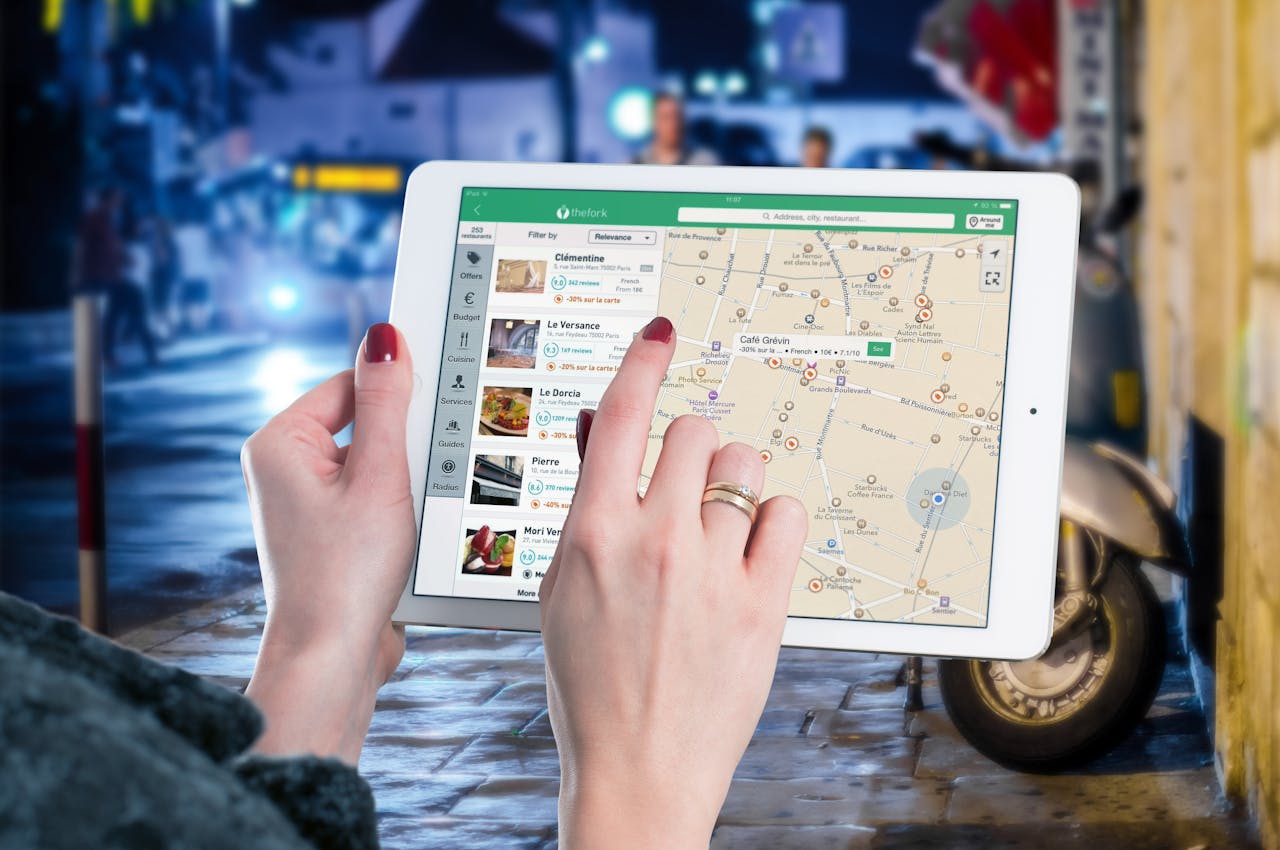
Steps to Share Current Location on Android
- Open WhatsApp and select a chat or group
- Tap the paperclip (📎) icon
- Select Location
- Choose Send Your Current Location
- Tap Send
Your location appears as a pinned map inside the chat.
Tip: Turn on GPS and mobile data or Wi‑Fi for accurate results.
Steps to Share Live Location on Android
- Open the desired chat
- Tap the paperclip (📎) icon → Location
- Select Share Live Location
- Choose a duration (15 minutes, 1 hour, or 8 hours)
- Tap Send
Your live location will update automatically as you move.
How to Stop Sharing Live Location on Android
- Open the chat where live location is active
- Tap Stop Sharing
- Confirm the action
Live tracking stops instantly.
How to Share Your Location on iPhone in WhatsApp
WhatsApp on iPhone offers the same powerful location-sharing features with a slightly different interface.
Steps to Share Current Location on iPhone
- Open WhatsApp and choose a chat
- Tap the plus (+) icon
- Select Location
- Tap Send Your Current Location
- Press the send arrow
This is ideal when sharing a static location.
Steps to Share Live Location on iPhone
- Open a chat in WhatsApp
- Tap + → Location
- Select Share Live Location
- Choose the duration
- Tap Send
Your movements will be visible to the recipient in real time.
How to Stop Live Location on iPhone
- Open the chat
- Tap Stop Sharing
- Confirm
You stay in full control of your privacy.

WhatsApp Tips for Privacy and Accuracy
Location sharing is powerful, but it should always be used responsibly.
Enable Location Services Properly
- Android: Settings → Location → App permissions → WhatsApp → Allow all the time
- iPhone: Settings → Privacy & Security → Location Services → WhatsApp → Always
Without proper permissions, WhatsApp cannot share accurate location data.
Improve GPS Accuracy
- Step outdoors for better signal
- Disable battery saver while sharing live location
- Use high‑accuracy location mode (Android)
- Ensure stable internet connectivity
Control Who Can See Your Location
- Share live location only with trusted contacts
- Stop sharing once it’s no longer needed
- Enable two‑step verification on WhatsApp
Pro Tip: If you don’t need real‑time tracking, always choose current location instead.
Troubleshooting Location Sharing Issues
If WhatsApp location sharing is not working, try these fixes.
Location Sharing Not Working
- Enable location services
- Allow WhatsApp permissions
- Restart your phone
- Update WhatsApp to the latest version
Live Location Not Accurate
- Move to an open area
- Turn off battery optimization
- Re‑enable GPS
- Switch to Wi‑Fi if mobile data is slow
Live Location Won’t Stop
- Tap Stop Sharing manually
- Restart WhatsApp
- Clear WhatsApp cache (Android)
- Reinstall the app if needed
Additional Ways to Share Locations on WhatsApp
Share Location Using Google Maps
- Open Google Maps
- Search for the place
- Tap Share
- Select WhatsApp
- Send to contact or group
This is useful for sharing landmarks, businesses, or event venues.
Share Nearby Landmarks or Business Locations
Sending a known business or landmark is often easier than sharing your exact position. It helps recipients navigate without confusion.
Share Location in WhatsApp Groups
- Open group chat
- Tap paperclip / +
- Select Location
- Send current or live location
Perfect for group meetups, trips, and events.
Power Up WhatsApp Workflows with WASheet
While WhatsApp is great for communication, managing messages at scale can be challenging. WASheet helps businesses automate WhatsApp workflows, send bulk messages, manage contacts, and streamline operations all from one simple platform.
From lead outreach to customer updates, WASheet makes WhatsApp faster, smarter, and more efficient.
FAQ
How accurate is WhatsApp location sharing?
It is highly accurate outdoors with strong GPS signals. Indoors or crowded areas may reduce precision.
Can I share a location without GPS?
No. GPS must be enabled for WhatsApp to detect your location.
Does WhatsApp notify when I stop sharing live location?
No. The live location simply disappears from the chat.
Can I share a different location instead of my own?
Yes. You can search and send any place or address manually.
Is WhatsApp live location safe?
Yes. It is end‑to‑end encrypted and visible only to selected contacts.
Can I share my location with multiple people?
Yes. Share it in a WhatsApp group to reach everyone at once.
Final Thoughts
Sharing your location on WhatsApp is simple, fast, and incredibly useful. Whether you send a fixed spot or share live movements, WhatsApp helps you stay connected and safe. Combine smart location sharing with automation tools like WASheet, and you unlock the true power of WhatsApp for both personal and business communication.